Cancel all delivery items with refund
If you need to cancel an order and refund the paid amount, you can do this by selecting “Cancel deliveries”:
- Go to the order you want to cancel and refund
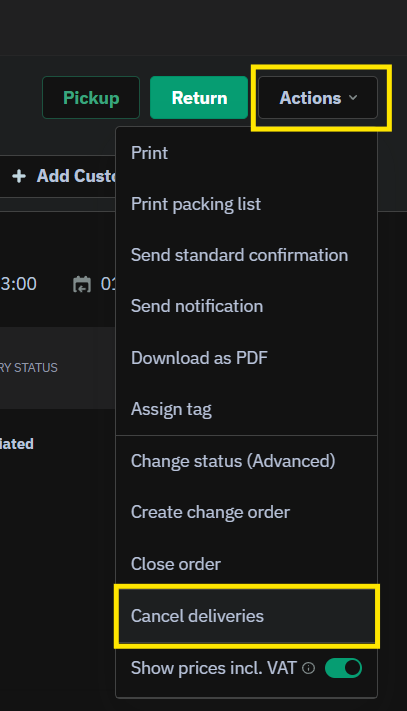
- Click on "Actions"
-
Choose "Cancel deliveries" from the dropdown
-
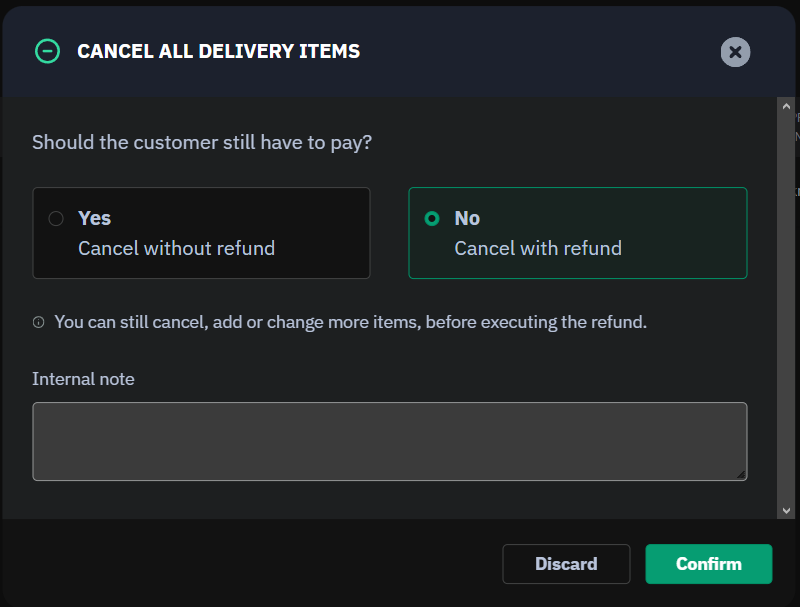
Choose "Cancel with refund" in the new window that pops up
- After you confirm the payments tab will open
-
Click on "Add payment" and choose "Online refund"

-
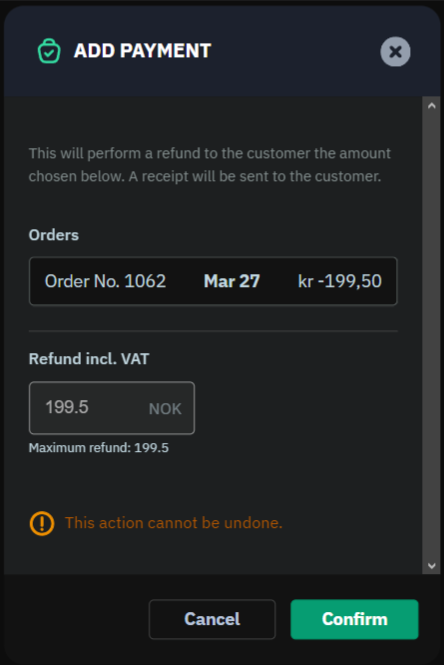
The refund window opens. Check that the amount looks correct, and click "Confirm"
-
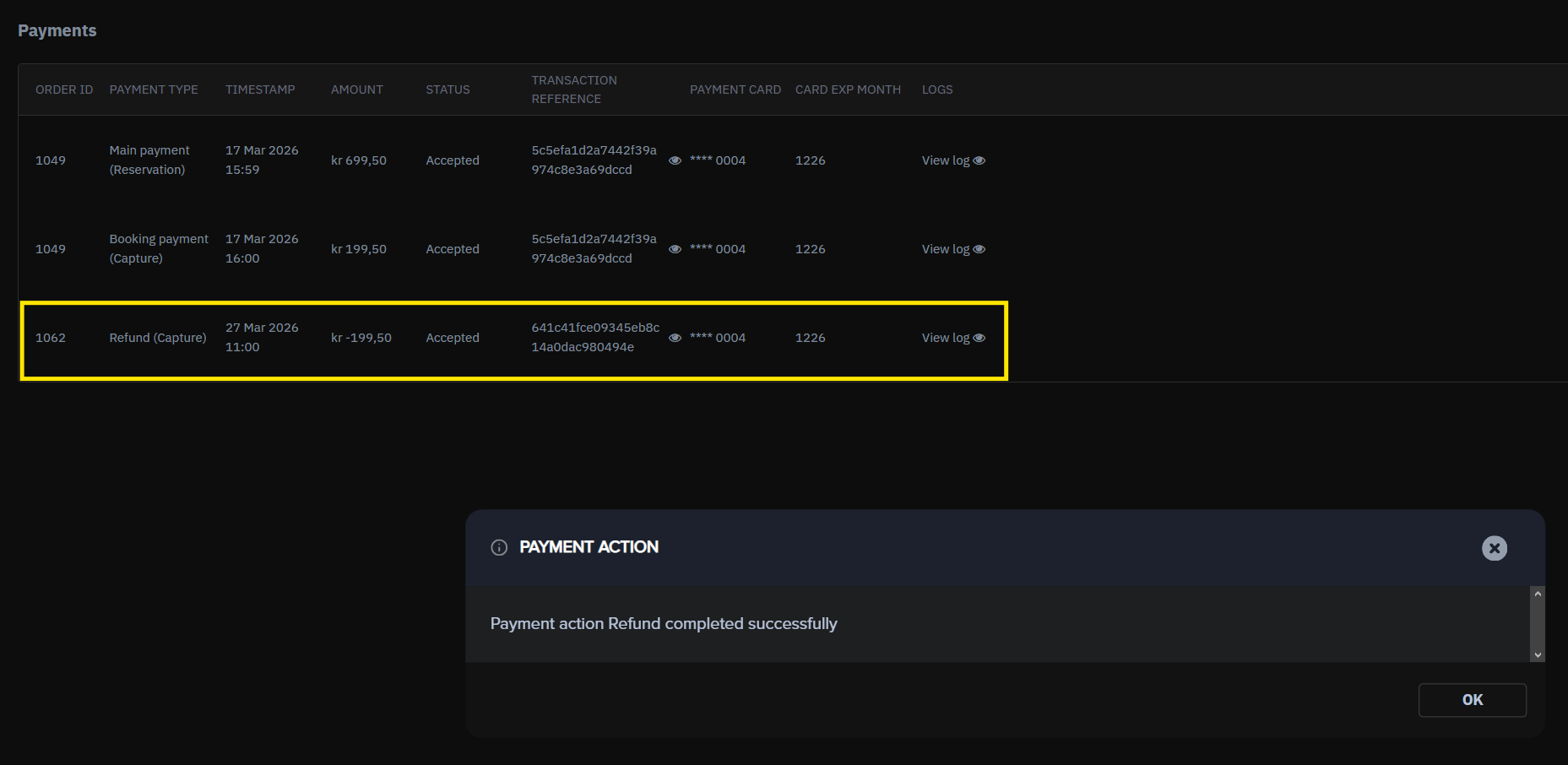
The refund is done, and a receipt is also sent to the customer